Create waybills online
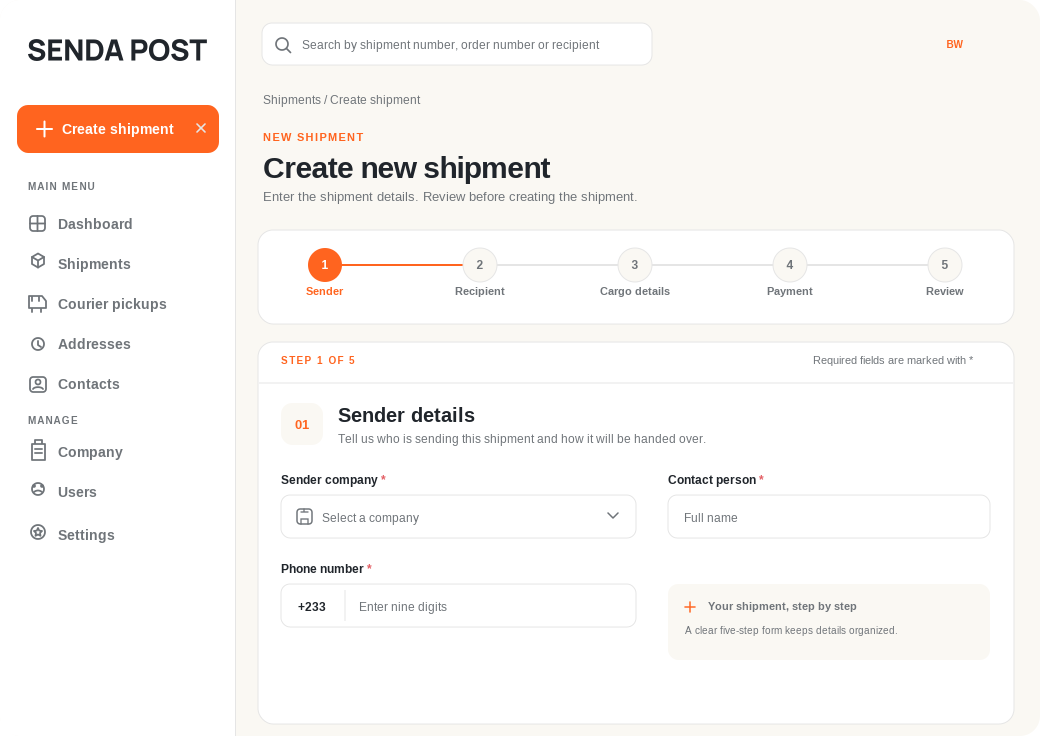
Create a shipment in three steps. Drafts are saved automatically.
Register your company to create shipments, print labels and track every shipment across Ghana in one place.
Everything your business needs to organize shipments with confidence.
Create a shipment in three steps. Drafts are saved automatically.
Print the waybill and a label for every package straight from the portal.
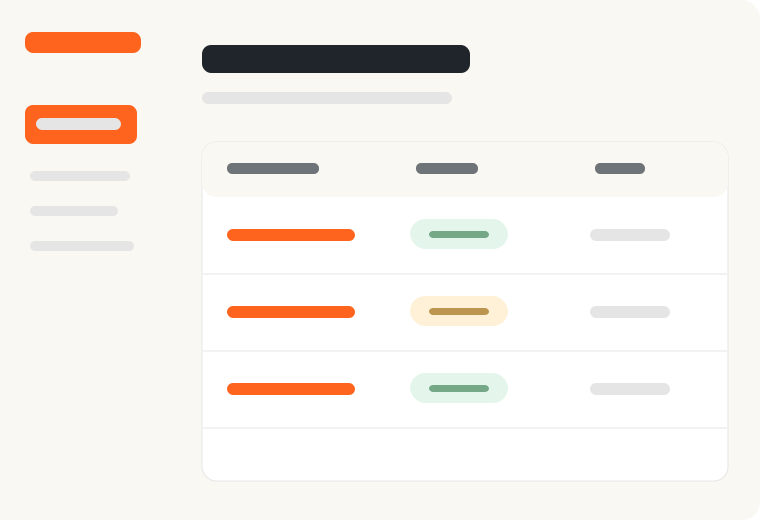
Follow the status history and filter shipments by number, date, recipient or city.
Choose a SendaPost branch or deliver to a door using the GhanaPostGPS code.
Save senders, recipients and addresses once and reuse them in every waybill.
Set the COD amount and follow the collection status for each shipment.
Registered businesses. Your application is reviewed by the SendaPost team before the account is activated.
No. Shipments can be created after your company is approved.
Use the tracking page with your shipment number, or open the shipment in your portal.
Yes. The account owner can invite users and assign roles.
Enter the COD amount in the waybill. Collection status is shown for each shipment.
Set up your business account and keep every shipment in view.
Register